


 Call +90 542 716 57 83
1. Describe the problem
Share the symptoms, device or project and anything you have already tried.
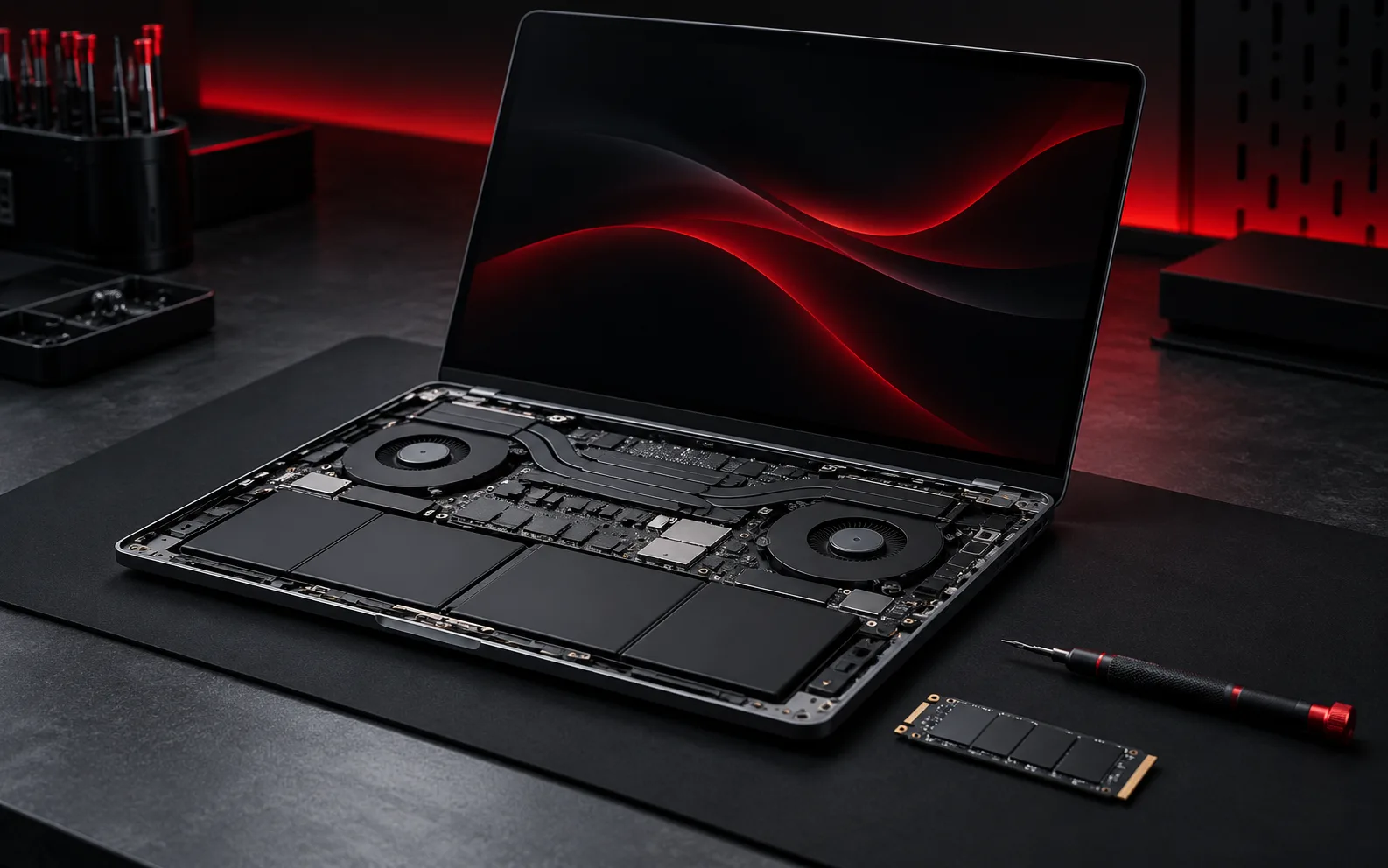
Diagnosis, hardware service, upgrades and software troubleshooting for computers and laptops.
Share the symptoms, device or project and anything you have already tried.
Remote support can start online. Hardware work may need a different practical arrangement.
Agree what will happen next before starting the actual work.
You do not need a formal specification. These three details are enough to start a focused conversation.
Laptop or desktop model plus the operating system if known.
What happens, when it started and any visible error message or unusual sound.
New hardware, updates, drops, liquid exposure or software changes before the issue began.

Send the symptoms and context through the contact page so the next step can be chosen appropriately.