


What changes in everyday use
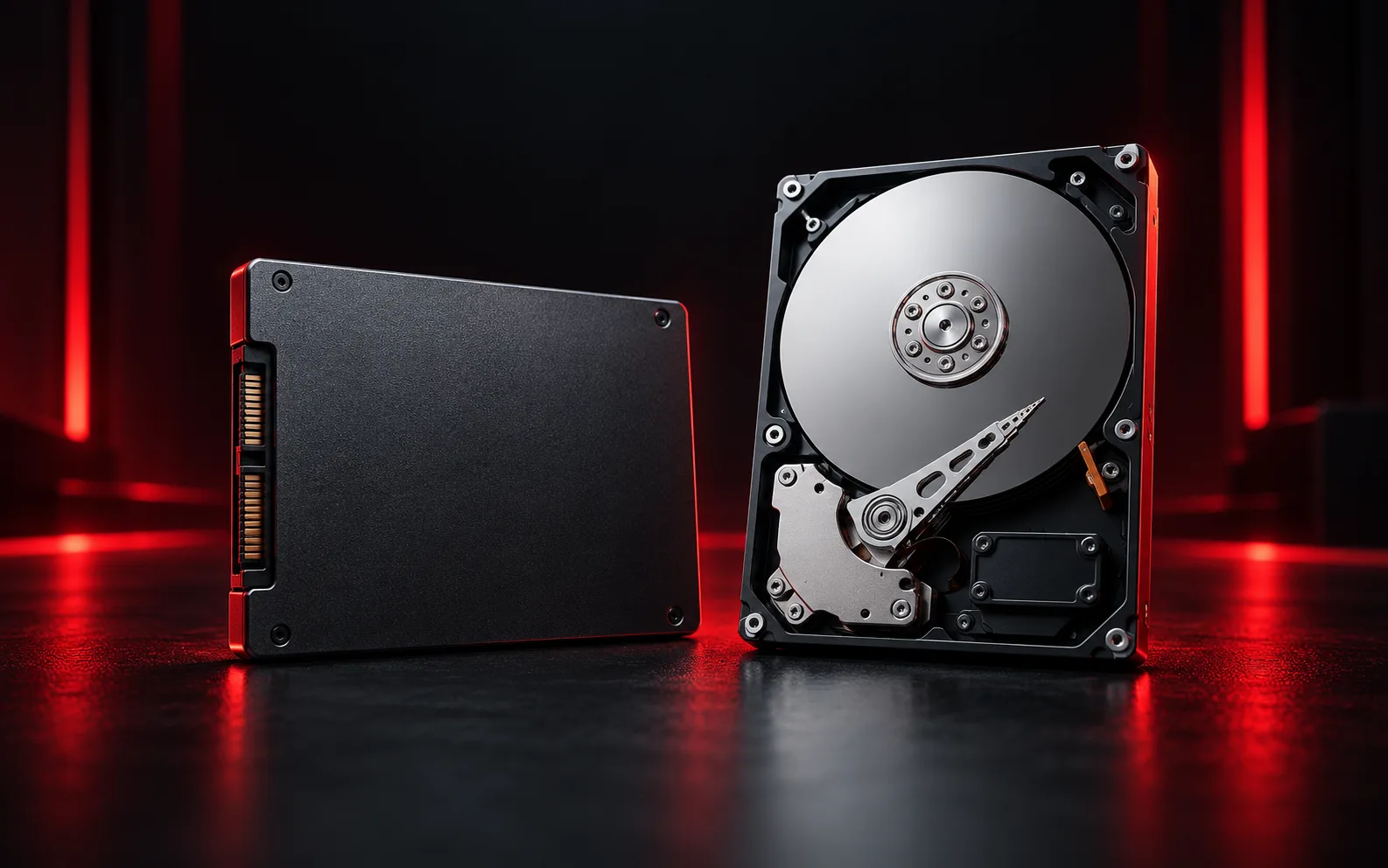
An SSD stores data in flash memory; an HDD uses rotating magnetic disks. Storage responsiveness affects how quickly the operating system starts, applications open and files load. It does not solve every performance issue: a demanding application may still be limited by the processor, memory or graphics hardware.
Choose around the workload
For an operating-system drive, responsiveness matters alongside capacity and reliability. For large collections of files, capacity, backup arrangements and the available connections may matter more. Compare the space you use today with expected growth. Avoid buying based only on an advertised peak speed that may not represent your own tasks.
Check compatibility before purchase
Confirm the exact computer model, supported interface, physical size and available slot. M.2 describes a form factor, so the socket and supported storage protocol still need checking. Consult the computer's service documentation rather than assuming that a visually similar drive will work. Also check how the existing operating system and files will be transferred.
Plan the migration
- Verify a backup before replacing the original drive.
- Choose cloning or a fresh installation according to the current system's condition.
- Retain access to licenses and encryption recovery information.
- After migration, test booting, applications and a selection of files before reusing the old drive.
Need help with your own device?
Describe the problem with the model, symptoms and checks already tried. For related help, explore computer service or remote support.